Updated 2026-11-26 · Early Access ($39.99 USD)
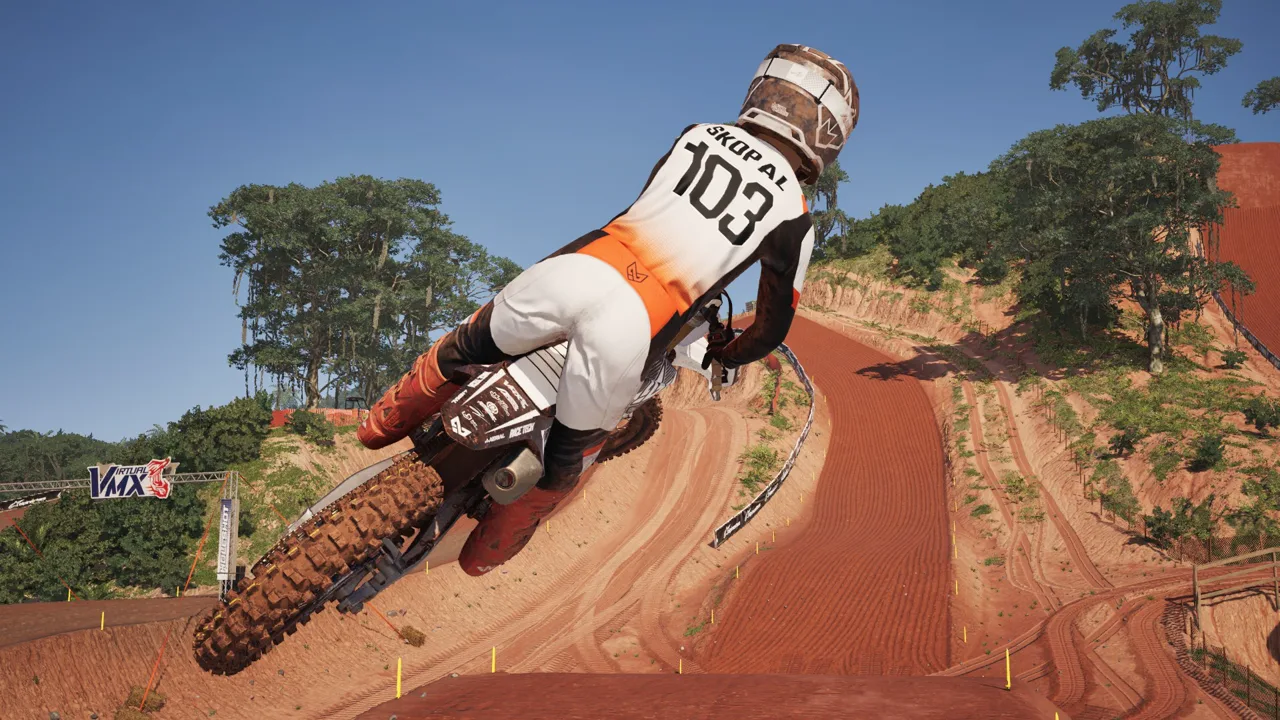
Why Jumps Feel Small & Bikes Feel Fast in Early Access
In its November 18, 2026 Steam News post (Thank You, Riders: We're Out of the Gate)—and reiterated on November 26, 2026 alongside raw VMX450F Supercross WIP footage—Virtual MX Studios directly addressed why newcomers feel the bike is overpowered or why jump faces send riders soaring past landings:
- Factory 250F Dyno Power Curve (Nov 18 Steam News): Virtual MX Studios states that the bike runs the dyno of a factory 250F rather than a detuned arcade dirt bike, so rolling full throttle through mid-range torque builds speed rapidly.
- Realistic 1:1 Track Scale (Nov 18 Steam News): Track distances and jump lips match real-world motocross proportions. As the studio explains, hitting a standard jump wide open in 3rd gear overshoots the landing unless it is a long tabletop—and Motocross The Game behaves the same way.
- Not a "Right-Trigger Simulator": Holding the right trigger pinned through every apex and takeoff causes rear wheelspin, chassis deflection, and harsh flat landings.
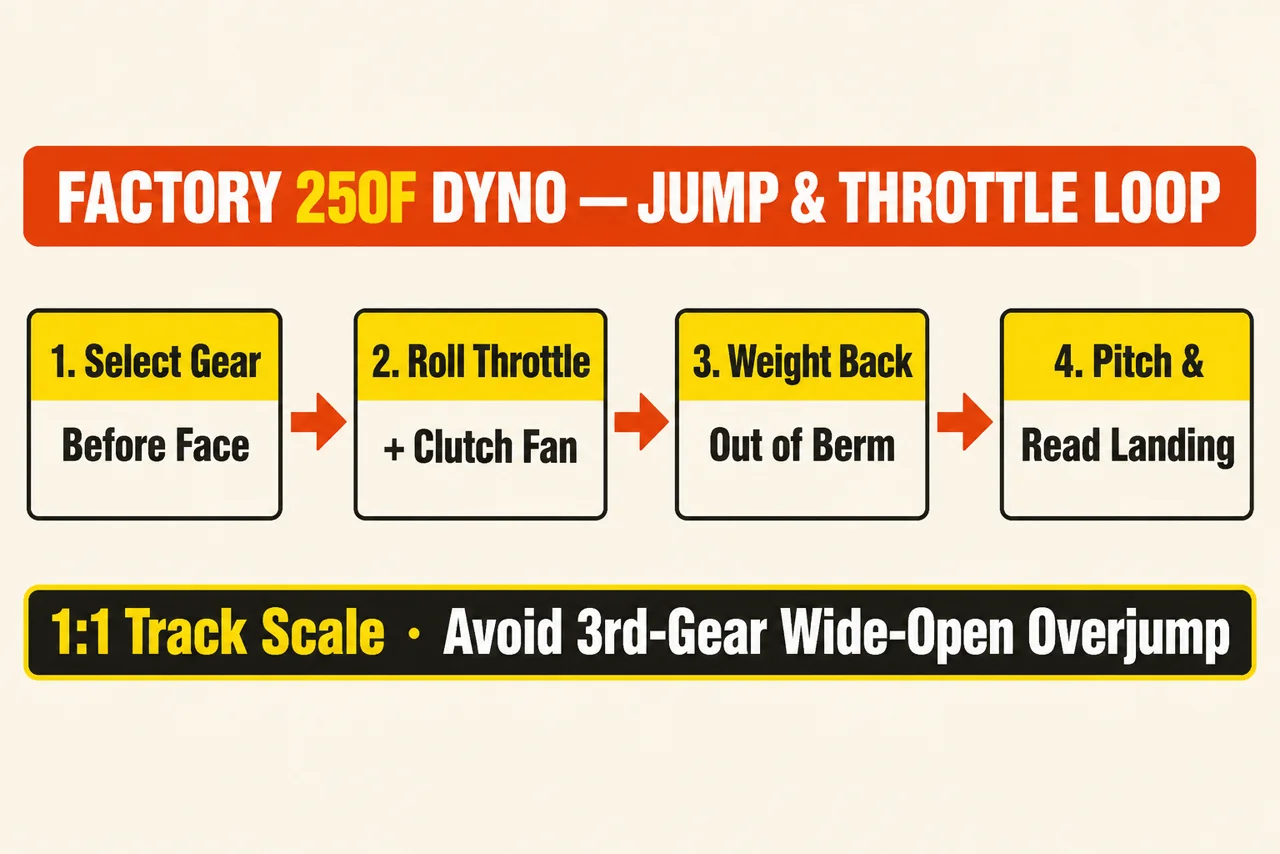
Step-by-Step: 4-Habit Throttle & Jump-Face Discipline
- Choose Your Gear & Entry Speed Before the Jump Face: Settle into the target gear (often 2nd gear out of tight clay corners or controlled 3rd gear on longer straightaways) well before reaching the takeoff lip rather than shifting mid-ramp.
- Roll the Throttle On and Off Progressively: Treat the right trigger as a progressive analog dial paired with 75% throttle trigger linearity in controller settings instead of a binary on/off switch.
- Fan the Clutch on Exit & Uphill Faces: Use short clutch taps to keep 250F RPM in the meat of the powerband exiting sand or deep ruts without snapping the rear tire loose—note that heavy bike inertia makes clutch inputs feel most responsive once your chassis is upright and accelerating.
- Match Body Weight to Surface & Airborne Pitch: Lean weight back to drive traction out of berms, shift forward to keep the front tire planted on flat turns, and apply subtle midair pitch adjustments to match the landing slope.
250F vs. 450F, Controller vs. Keyboard & Jump Mistakes
- 250F vs. 450F Throttle Character: While Virtual MX Studios benchmarks jump scale against a factory 250F dyno curve, the playable 450F carries a separate engine, gearbox, and torque package—short-shifting one gear higher (e.g., rolling mid-range 3rd instead of revving out 2nd) calms rear-wheel spin out of clay exits.
- Analog Triggers vs. Keyboard Input: Progressive throttle modulation assumes an analog trigger (
RTat75%linearity /100%throttle gain, distinct from92%steering gain and95%front-brake gain). Keyboard riders using digitalWinput should keep Throttle Assist enabled in Rider Assists. - Chopping Throttle on the Lip: Snapping completely off the throttle right on the takeoff face pitches the nose forward abruptly; hold a steady throttle position up the face and adjust pitch in midair.
- Community-Tested Rhythm Pacing: Community riders on Estrella MX and Green Peaks generally find that clearing doubles smoothly with partial (
~70%) throttle in 2nd or steady low 3rd sets up the next turn faster than landing flat past the knuckle. - Overlooking Rider Assists Early: If progressive throttle roll-on feels overwhelming during your first hours, enable Throttle and Weight Assists on Estrella MX before stepping down to raw Rider Physics V5 (Beginner Guide & Rider Assists).
Auto-Shift Assist vs. Combining Shift & Clutch
- Why Automatic Shifting Can Feel Mistimed: Under Rider Assists, Automatic Shifting shifts conservatively to protect beginners from bogging or rev-limiting, which can trigger unwanted upshifts/downshifts in deep sand or right before a jump lip. Switch to Manual Shift (
B/X) once comfortable so you hold your chosen gear up every takeoff face. - Combining Shift & Clutch (
Steam InputWorkaround): As asked in Steam Discussions, Motocross The Game does not currently provide a native single toggle to engage the clutch automatically on gear shifts. To mimic MX Bikes-style combined shift+clutch on gamepad, open Steam Library → Properties → Controller → Enable Steam Input, go to Edit Layout → Buttons, and add an Extra Command mapped to your Clutch (LB) on both Shift Up (B) and Shift Down (X)—keeping standaloneLBavailable when fanning the clutch out of corners.
Community First Impressions on Throttle & Bike Feel
Sources
- Steam News — Thank You, Riders: We're Out of the Gate (Nov 18, 2026)
- Steam News — MTG Gameplay Supercross (WIP November 2026) & Throttle Recap (Nov 26, 2026)
- Virtual MX Studios — Out of the Gate: Thank You, Riders
- Motocross The Game on Steam (App ID 3188660)
- Steam Discussions — Shifting, Auto-Shift & Combining Shift with Clutch
- windham151 — I Played Motocross The Game...First Impressions (YouTube)
Next: calibrate trigger curves in Controller Deadzone & Setup or practice cornering reps in Faster Lap Times: Scrubs & Braking.