Updated 2026-11-26 · Early Access ($39.99 USD)
Modding, Custom Tracks & Steam Workshop Status in Early Access
Players crossing over from MX Bikes frequently ask will Motocross The Game have mods, .pkz track packs, a track editor, or Steam Workshop downloads. On Steam App ID 3188660, Virtual MX Studios structures Motocross The Game as a closed competitive ecosystem focused on Dual Rating (CR + RR) matchmaking and Time Attack millisecond leaderboards rather than open third-party file swapping:
- No Open Steam Workshop, Track Builder, or Mod SDK Listed: Steam App
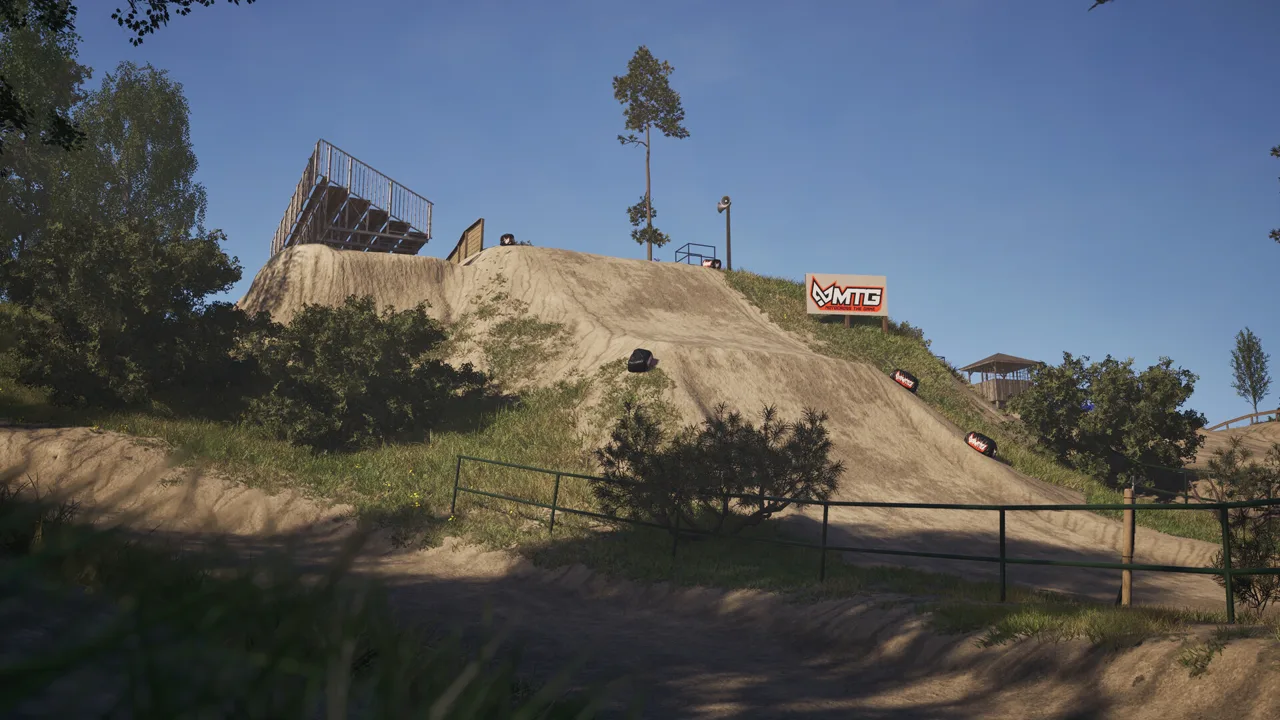
3188660and its Early Access Q&A do not list Steam Workshop integration, an in-game track editor, an external custom-track folder, or a third-party modding SDK in the$39.99 USDEarly Access build. - Official Circuits & WIP Pipeline: Track expansion runs through Virtual MX Studios' studio releases—starting with six featured circuits (Estrella MX, Rödeby CK, Midsummer Carnage, Pacific Crown, Linköpings MS, and Green Peaks) alongside work-in-progress Reche Canyon, Arenacross, and Moto Sandbox layouts (July 2026 Steam News).
- How It Differs From MX Bikes: MX Bikes places downloaded tracks and skins inside
Documents/PiBoSo/MX Bikes/mods/via external community hubs (MXB-Mods), whereas Motocross The Game keeps track geometry, physics packages, and lap validation standardized across official servers and Time Attack boards.
Will Motocross The Game Have Mods Later? Official EULA Section 4 Policy
The clearest official answer comes from Section 4 (“Modding is prohibited until expressly authorized”) of the Motocross The Game End User License Agreement (Steam EULA, Effective Oct 1, 2026), published by Motocross Digital Services (MXDS):
- No Unapproved Mods Today: Under Section 4, modding is not authorized unless and until MXDS expressly enables it for the relevant game version, platform, tool, and content category—or grants specific written permission. The EULA explicitly states that a roadmap, community discussion, technical possibility, absence of detection, or third-party upload does not count as authorization.
- What Unauthorized Modding Covers: Before express authorization, players may not create, install, load, use, publish, or distribute unauthorized modifications (offline or online, private or public, free or paid) affecting cosmetic liveries, physics, bike or rider behavior, tracks, collisions, traction, suspension, power, timing, progression, audio, textures, models, or interfaces.
- What Remains Permitted Now: Section 4 explicitly permits using in-game settings exposed by the client, official customization and content tools, official updates and DLC, and ordinary platform, controller, accessibility, recording, and streaming features (provided they do not alter protected files, bypass safeguards, or grant an unfair competitive advantage). Simply having general-purpose development tools on your PC is also explicitly permitted.
- If Official Mod Support Launches Later: Section 4 notes that if official mod support opens in the future, permission will extend strictly to the announced tool, platform, mode, and content category—and privately operated servers will not expand mod permissions.
How to Customize Bike Graphics, Partner Gear & Gate VFX Now
Even without third-party file mods, the Early Access workshop gives you persistent visual customization that saves automatically between sessions and replicates to opponents in P2P lobbies and replays:
- Open the Workshop Customization Tab: Launch the Windows 64-bit Steam client and enter the in-game workshop from your main paddock menu before joining a track.
- Equip Licensed Partner Gear (Helmet to Boots): Select helmets, goggles, jerseys, pants, gloves, and boots from partner motocross apparel brands integrated by Virtual MX Studios.
- Apply Custom Bike Graphics & Race Numbers: Choose bike graphics kits and number plate combinations for your
250For450Fchassis so teammates and P2P opponents can identify your machine on track. Official Motocross The Game logo decals, studio livery contests, and partner branding assets are shared via Virtual MX Studios' official portal and Official MTG Discord. - Set Your Starting-Gate VFX & Profile: Pick your starting-gate visual setup (expanded in the August and September 2026 updates) so your rider stance and kit carry into multi-moto starts.
- Verify Multiplayer & Replay Persistence: Run one solo Time Attack or P2P warm-up session and inspect Replay Mode—current Unreal Engine 5.7 builds render every rider's saved custom gear and liveries rather than generic placeholders.
Why Easy Anti-Cheat Blocks External File Swaps
Steam App 3188660 ships with kernel-level Easy Anti-Cheat (EAC). Modifying game .pak archives, dropping unofficial injectors, or running tampered binaries violates Section 4 of the EULA, triggers an Easy Anti-Cheat launch error, and can lead to removal of affected results, suspension, or account termination under Section 10. Stick to in-game workshop customization and verify your Steam installation (Steam → Properties → Installed Files → Verify integrity of game files) if any launch check fails—see our Launch Errors, EAC & Audio Fixes Guide for step-by-step recovery.
Sources
- Motocross The Game Steam EULA (Effective Oct 1, 2026 — Section 4 Modding Policy)
- Motocross The Game on Steam (App ID 3188660 — Features & Anti-Cheat)
- July 2026 Steam News — Replay Livery Rendering & WIP Tracks
- September 2026 Steam News — Persistent Customization & Physics V5
- Official MTG Discord — Livery Contests & Community Announcements
Next: tune mechanical clicks in Workshop Tuning: Gearing, Clicks & PSI or compare sim architectures in Controls, Physics & MX Bikes Comparison.