Updated 2026-11-22 · Early Access ($39.99 USD)
Prerequisites & Platform Hardware Matrix
- Windows 64-Bit Only: Steam App ID 3188660 supports Windows 10 (64-bit) minimum and Windows 11 (64-bit) recommended (no macOS or Linux builds), with Broadband Internet connection listed on both tiers.
- Steam Deck, Handhelds & Console Differences: Steam metadata lists no native Linux or macOS builds (
mac: false,linux: false) and currently shows Steam Deck Compatibility: Unknown (Valve has not published a Deck rating, and Proton compatibility with kernel-level Easy Anti-Cheat is not advertised). Windows-based handhelds (such as the ROG Ally / Legion Go) run the Windows 64-bit client directly, while PlayStation 5 and Xbox Series X|S ports with Cross-Platform Multiplayer follow the 12–18 month PC Early Access period (PS4, Xbox One, Switch, macOS, and mobile game ports are not supported). - Unreal Engine 5.7 & Upscaling: Virtual MX Studios upgraded the project to Unreal Engine 5.7 in February 2026 after integrating NVIDIA DLSS and AMD FSR in January 2026.
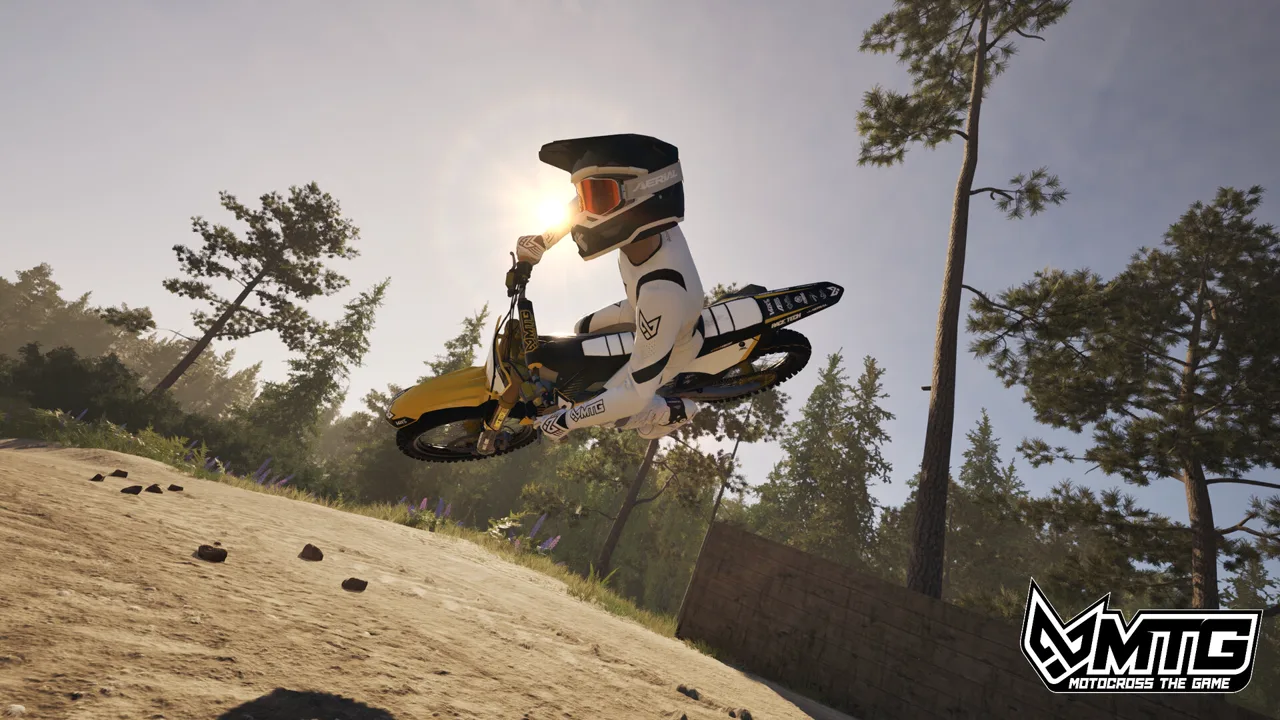
Step-by-Step Optimization & Platform Checklist
- Check RAM & GPU Headroom Against UE5.7: Minimum calls for 16 GB RAM and an RX 6500 XT / GTX 1650 Super (
DirectX 11,30 GBstorage), while Recommended steps up to 32 GB RAM and an RTX 3060 Ti / RTX 4060 Ti / RX 6700 XT (DirectX 12,50 GBstorage). - Use
NVIDIA DLSS& DisableAMD FSRFor Now: Turn on DLSS on GeForce RTX GPUs to stabilize frametimes on dense foliage circuits such as Rödeby CK and Green Peaks, and keep AMD FSR disabled for the moment—Virtual MX Studios noted in the Nov 21, 2026 Week 1 Patch notes that some crashes appear related to FSR being enabled. - Trim Foliage & Shadow Load on Minimum GPUs: Virtual MX Studios cut tree and bush cost by up to 80% in July 2026 and started Nanite assemblies foliage R&D in September 2026; lowering foliage and shadow presets alongside NVIDIA DLSS (while keeping AMD FSR disabled per the Nov 21 advisory) helps entry-level GPUs hold consistent frame pacing.
- Tune Gamepad Curves & Windows Handheld / Laptop Power: Use Windows high-performance power mode on laptops or Windows handhelds, and adjust thumbstick sensitivity alongside Controller & Input Setup so framerate dips do not exaggerate steering snap.
- Verify Steam Files & Know the
Easy Anti-CheatUninstall Step: Run Steam → Properties → Installed Files → Verify integrity of game files after Early Access patches, and note Steam's disclosure that Easy Anti-Cheat is kernel-level and requires manual removal after uninstalling the game.
What Optimization Produces
- Consistent Input Timing: Stable framerates prevent sudden physics/steering misreads when locking into deep ruts or scrubbing triples.
- Clean Launch Stability: Up-to-date drivers and intact EAC files prevent multiplayer kicks or startup errors.
Common Technical Issues & Platform Fixes
- V-Sync & Input Delay (
Steering / Throttle Lag): Players reporting sluggish steering or throttle delay (Steam Discussions) should turn V-Sync OFF, avoid restrictive low FPS caps below monitor refresh rate, and verify thumbstick deadzone/linearity curves in Controller & Input Setup. - Stuttering on
16 GBRAM Systems: Close memory-heavy browser tabs and background overlays while running UE5.7, as Recommended specs target 32 GB RAM. - First-Boot Shader Compilation & VRAM Scaling: In Unreal Engine 5.7, initial track loads on Rödeby CK or Green Peaks can trigger brief shader-compilation hitches; give solo Practice a lap to settle, lower foliage and shadow quality first on crowded servers, and use NVIDIA DLSS on RTX cards—or lower internal resolution scale / non-FSR anti-aliasing while AMD FSR remains disabled per the Nov 21 crash advisory—to reduce GPU/VRAM load at
1440por4K. - PC Crashes & 2-Minute Freezes With FSR (
Official Week 1 Patch Advisory): In the November 21, 2026 Early Access Week 1 Patch, Virtual MX Studios disclosed that some crashes seem to be caused by FSR being enabled and recommended disabling FSR for the moment. Players on r/MotocrossTheGame hitting 2-minute hard freezes likewise fixed them by switching away from FSR to NVIDIA DLSS or standard non-FSR anti-aliasing. If you hit startup or EAC blocks instead, see Launch Errors, EAC & Audio Fixes. - DLSS / FSR Ghosting vs. Frame Generation (
Steam Discussions): Players asking about heavy motion artifacting around spokes and dirt roost (Framegen discussion) should note that Steam News documents NVIDIA DLSS and AMD FSR spatial/temporal upscaling rather than an in-game Frame Generation toggle. If aggressive ghosting appears, switch upscaling to Quality (or disable upscaling at1080p) and check your NVIDIA App / AMD Adrenalin driver profile to ensure driver-forced Frame Generation (Smooth Motion/AFMF) is turned off. - Steam Deck, macOS & Linux Compatibility: Steam metadata lists Windows 10/11 64-bit requirements with no native macOS or Linux builds (
UnknownSteam Deck rating; Proton compatibility with kernel-level Easy Anti-Cheat is not advertised). Use a Windows 10/11 64-bit PC (or Windows handheld) or await post-EA PS5 / Xbox Series X|S releases.
Sources
- Steam App ID 3188660 — System Requirements & Anti-Cheat
- Steam News — Early Access Week 1 Patch (Nov 21, 2026: FSR Crash Advisory)
- January 2026 Steam News (DLSS & FSR Integration)
- February 2026 Steam News (UE5.7 Upgrade)
- July 2026 Steam News (Tree & Foliage Cost Reduction)
- September 2026 Steam News (Nanite Foliage R&D)
- Steam Discussions — Input Delay & V-Sync Troubleshooting
- Steam Discussions — Upscaling Artifacting & Framegen Thread
- r/MotocrossTheGame — 2-Minute Freeze / FSR Anti-Aliasing Fix
Next: check Controller & Input Setup or Release & PC Specs.